
Crusado Login In Seconds
Sessions carry across handset, tablet and desktop without a handover step, because standing lives on the account rather than the device.

Starting A Crusado Login
A Crusado login moves through an encrypted, Cloudflare-fronted connection on every one of our front-ends, and SEON device screening runs behind the form. Nothing beyond a mail address and a password is asked at the door, because everything else was settled during a registration that took under a minute.
Signing In Anywhere
On A Handset
A phone browser handles the CrusadoCasino form exactly as a desktop one does, with nothing to download first. Pinning our site to a home screen through the web manifest turns it into a standalone launcher, though pinch-zoom stays disabled on those pages for now.
On A Computer
No plugin, client or extension stands between a modern desktop browser and a Casino Crusado account. Sessions begun on a laptop pick up on a phone with no handover step, because our balance, Coin total and club standing belong to the account rather than to the machine.
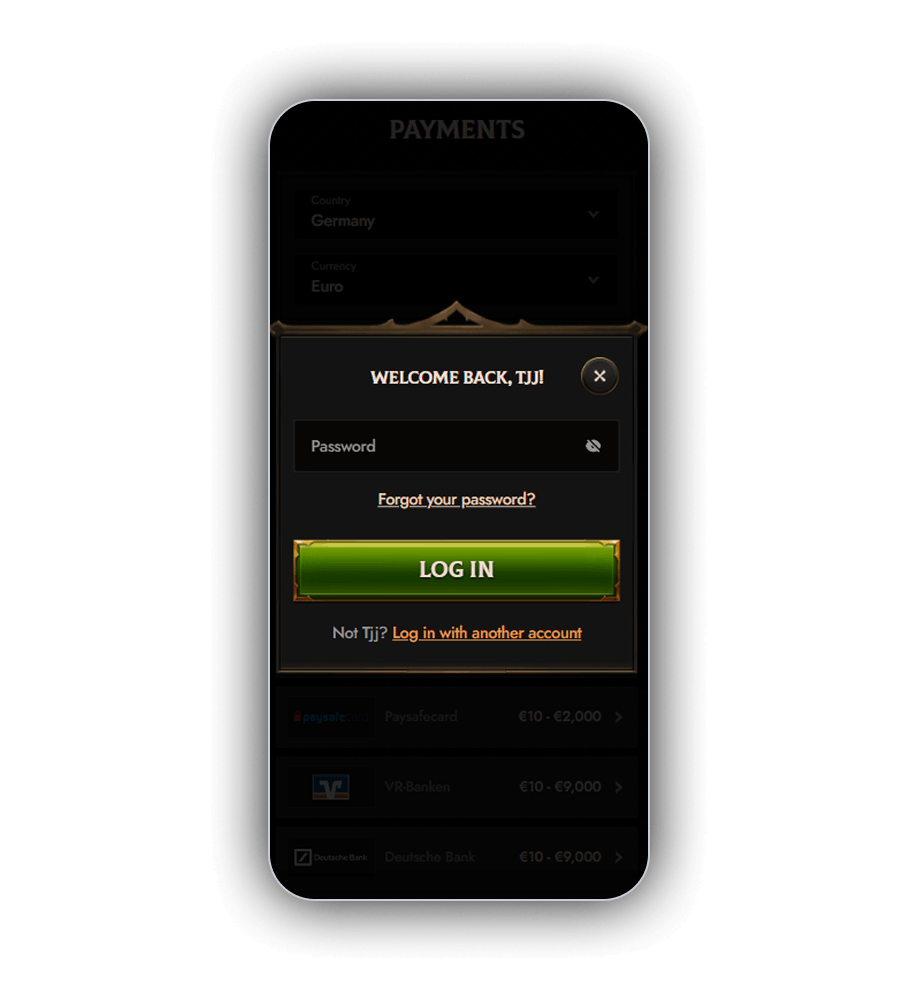
Crusado Login Troubleshooting
Mistyped credentials cause most Crusado login failures, and our passwords are case sensitive, so a stray capital or a trailing space explains more attempts than anything else. Repeated failures may trigger a protective hold rather than a penalty, and our chat team can confirm the position immediately. Anything that persists belongs with [email protected], particularly where a screenshot needs to travel with the request.
Practical Session Advice
Habits formed early save more time at Crusado than any amount of troubleshooting later. The list below reflects what our support desk is asked most often, and you can reach the sign-in form from the header of any page.
Five Quick Pointers
- Visit the promotions area after a Crusado login, since every reload we run has to be switched on first.
- Check the Coin total against the Store ladder before redeeming, since larger tiers cost far less per euro.
- Look at the task board early in the week, as thirty reel tasks need 150 spins apiece to finish.
- Note that only three payout requests may queue with us at once.
- Sign in at least once every 180 days, otherwise our EUR 5 monthly idle charge begins.
Four Session Safeguards
- Use a password that appears nowhere else, ideally held in a password manager.
- Decline the browser save prompt on any machine shared with other people.
- End a session deliberately rather than closing the tab and walking away.
- Agree a spending ceiling before signing in, because no self-service cap exists in the account area yet.